Royal Flood
Tap a color. Flood the board. Bring the fleet home.
Coming soon to the App Store and Google Play.
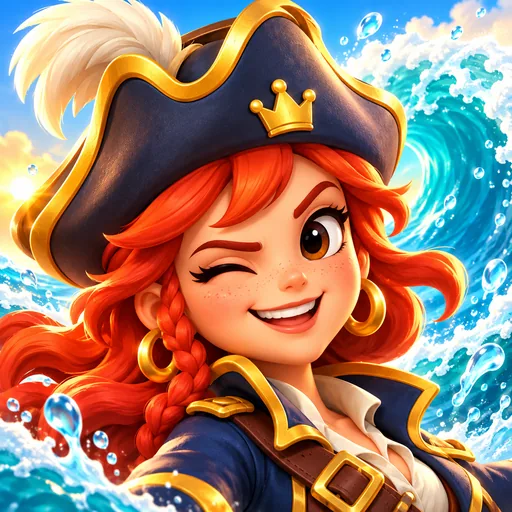
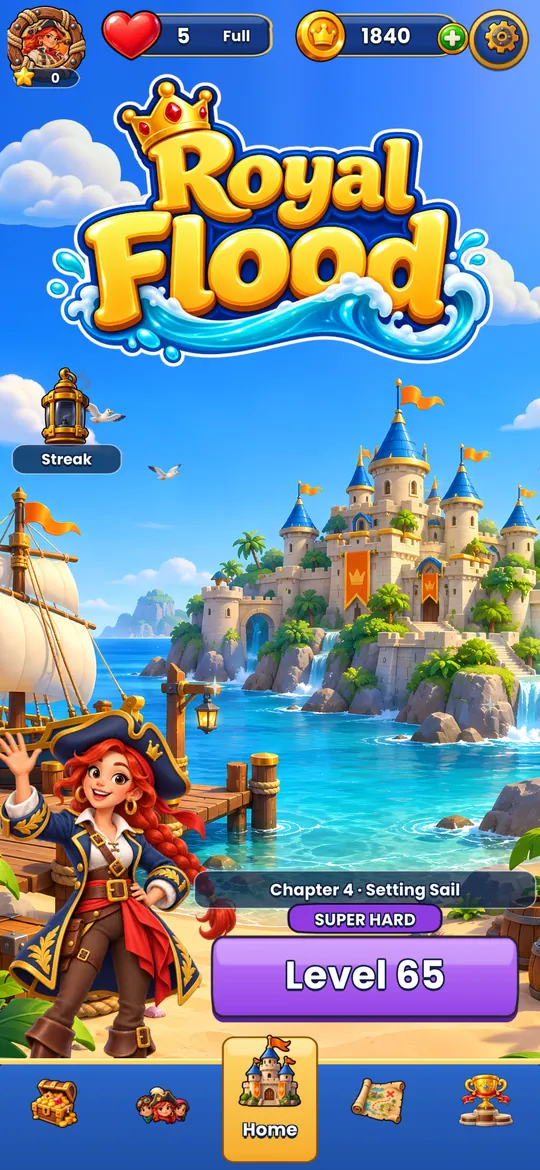
Captain Maya's fleet is lost at sea.
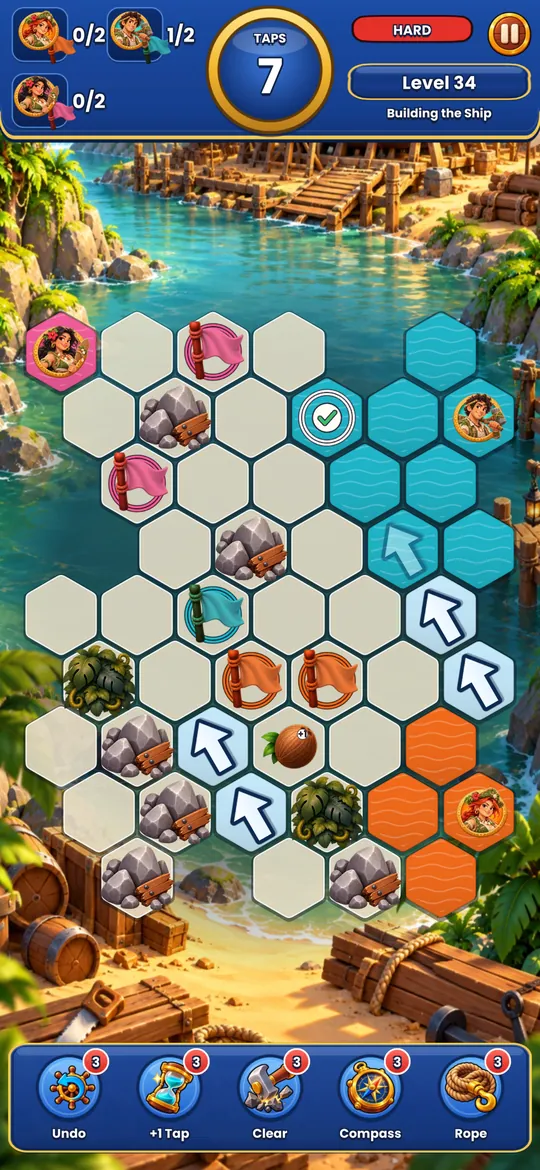
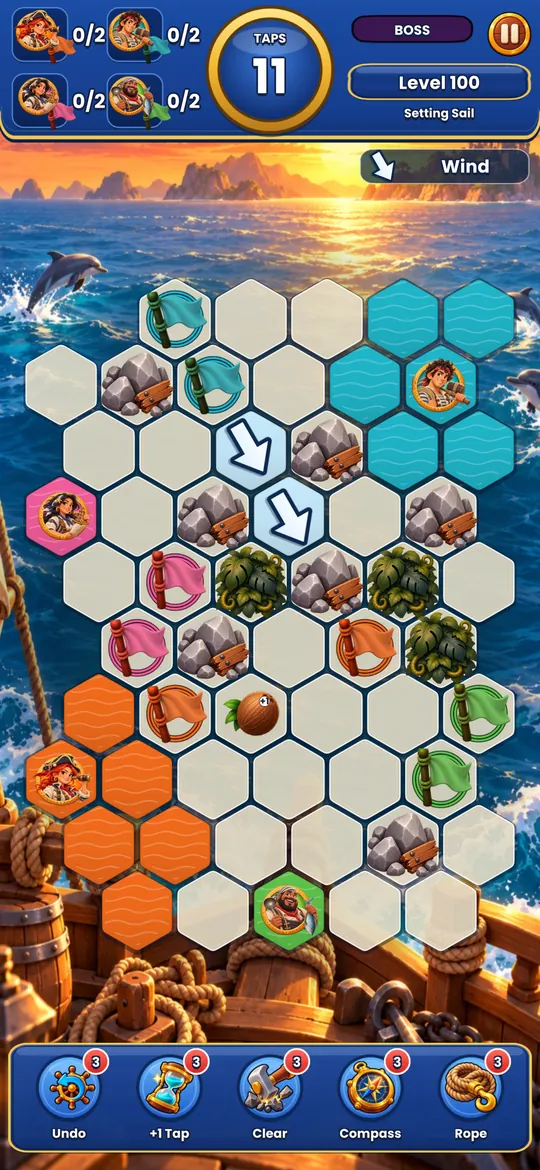
A storm has scattered Captain Maya's fleet across strange seas. Each board is a little island of hexagon tiles. Tap a crew color and your wave spreads from the ship, swallowing every matching tile it touches.
Reach all of your crew's flags before you run out of taps, and don't wash over anyone else's. Plan a few taps ahead and a messy board becomes one clean, satisfying flood.
Take a look
Why players love it
Simple to learn
Tap a color, watch the flood. The first board teaches itself.
New obstacles
River currents, sleeping bears, rival fleets: every chapter brings a new twist.
Daily League
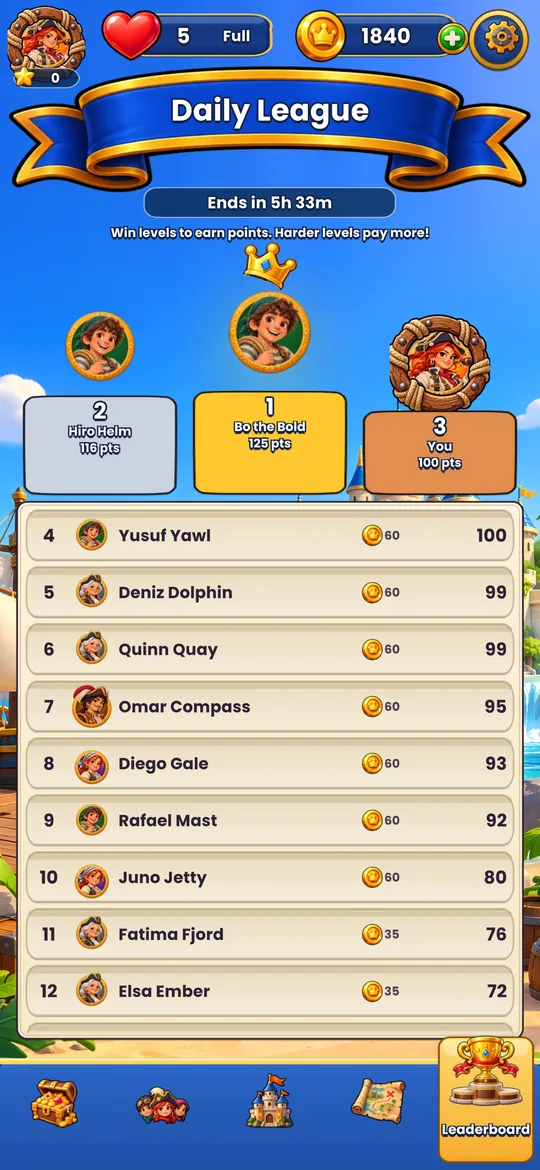
Climb a fresh leaderboard every day and win rewards.
A crew to love
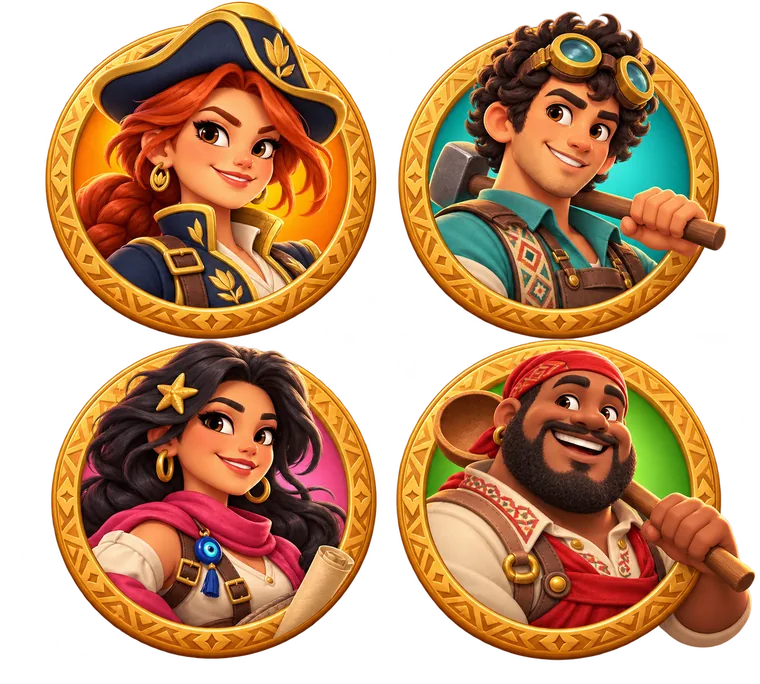
Sail with Maya, Teo, Lara and Atlas as their story unfolds.
Royal Flood help
Need help?
Email us at info@bamboomgames.com. Include your device model, and the level number if your question is about a level. We usually reply within 2 business days.
Frequently asked questions
How do I play?
Tap a crew color to flood the board from your ship. Reach every flag of your own crew without touching the other crews' flags, before you run out of taps. You can replay the tutorial any time from Settings → How to Play.
When does the Daily League open?
After you complete level 10. A new league starts every day at 00:00 UTC.
Is my progress saved?
Progress is saved on your device. Deleting the app deletes your progress.
Do I need an internet connection?
No. Levels play offline; ads and the Daily League clock use the internet when it is available.
I saw an inappropriate ad.
Email us at info@bamboomgames.com with a short description or a screenshot and we will block it.
How do I change my ad or privacy choices?
In the game open Settings → Privacy. Tracking can also be changed in your device settings.
How do I delete my data?
Deleting the app removes everything stored on your device. To ask us to delete analytics data linked to your device, email us; we answer within 30 days.